
User secrets are personal to you - your API keys, tokens, and credentials available in every environment you create. They’re ideal for personal access tokens that shouldn’t be shared with the team. User secrets have the highest precedence. They override project and organization secrets with the same name, letting you customize without affecting teammates.

When to use user secrets

Use user secrets when the credential belongs to an individual rather than to the team. Common examples:
  • your personal GitHub or GitLab token
  • your personal Linear or Notion token
  • credentials for tools only you should use
  • temporary tokens you are testing before standardizing them at project or organization scope

Manage user secrets

Navigate to Settings → My Account → Secrets.
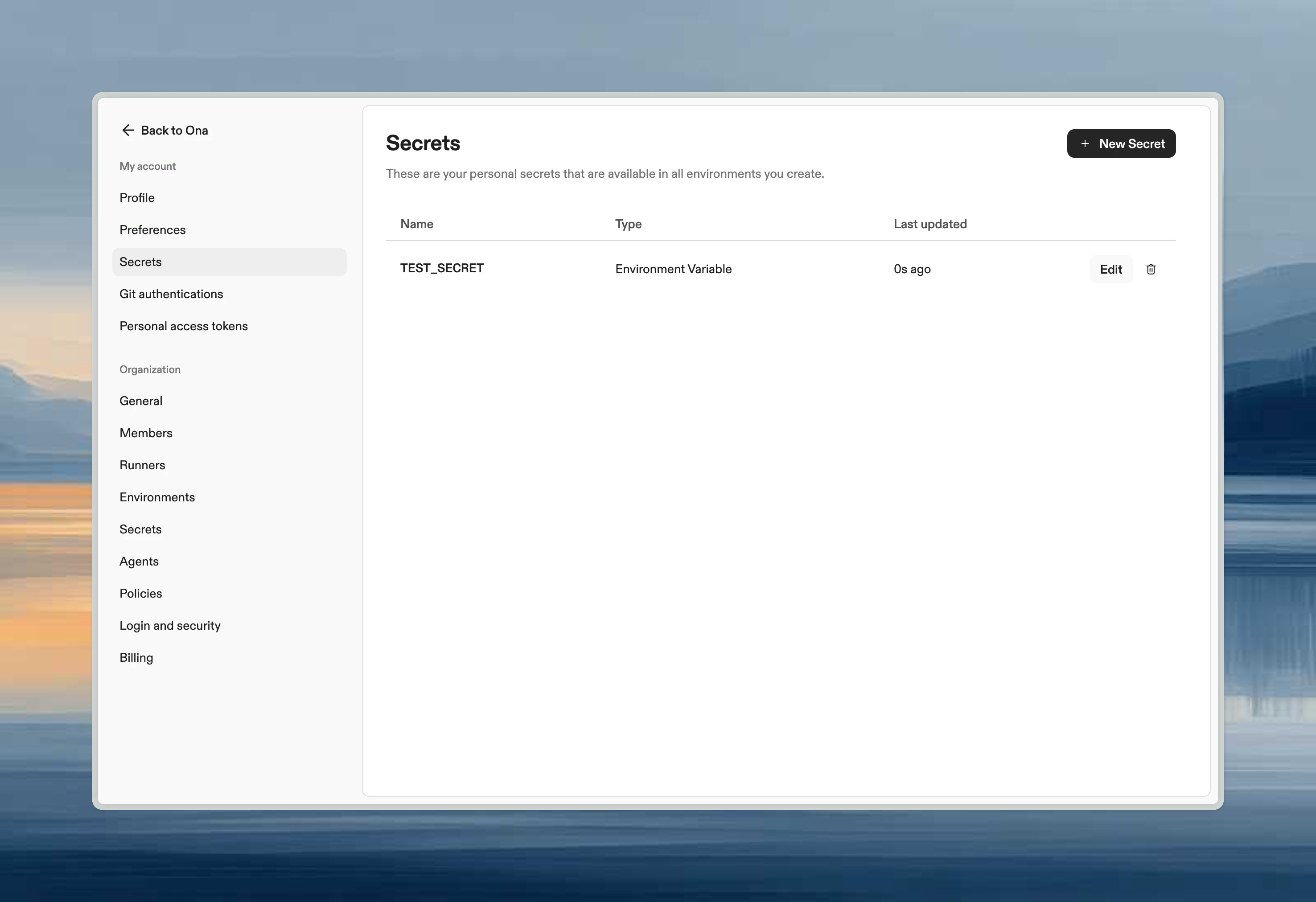
User secrets settings page showing list of personal secrets with type and name columns
From here you can create, edit, and delete secrets. Each secret can be an environment variable, file, or container registry credential.

Common user secrets

SecretPurpose
LINEAR_API_KEYPersonal Linear access
GITHUB_TOKENPersonal GitHub token
NPM_TOKENPrivate npm registry access

When to use user vs project secrets

  • User secrets: Personal tokens, credentials you don’t want to share
  • Project secrets: Shared team credentials, service accounts, project-specific config

How user secrets interact with other scopes

If the same secret name exists at multiple levels:
  1. user secret wins
  2. project secret is used next
  3. organization secret is the fallback
This is useful when the team defines a default token or endpoint but an individual needs to override it for debugging or personal access.