Upgrade runner infrastructure
When a new CloudFormation template version is available, you can upgrade your runner infrastructure directly from the Ona dashboard.- Navigate to Settings → Runners and select your runner
-
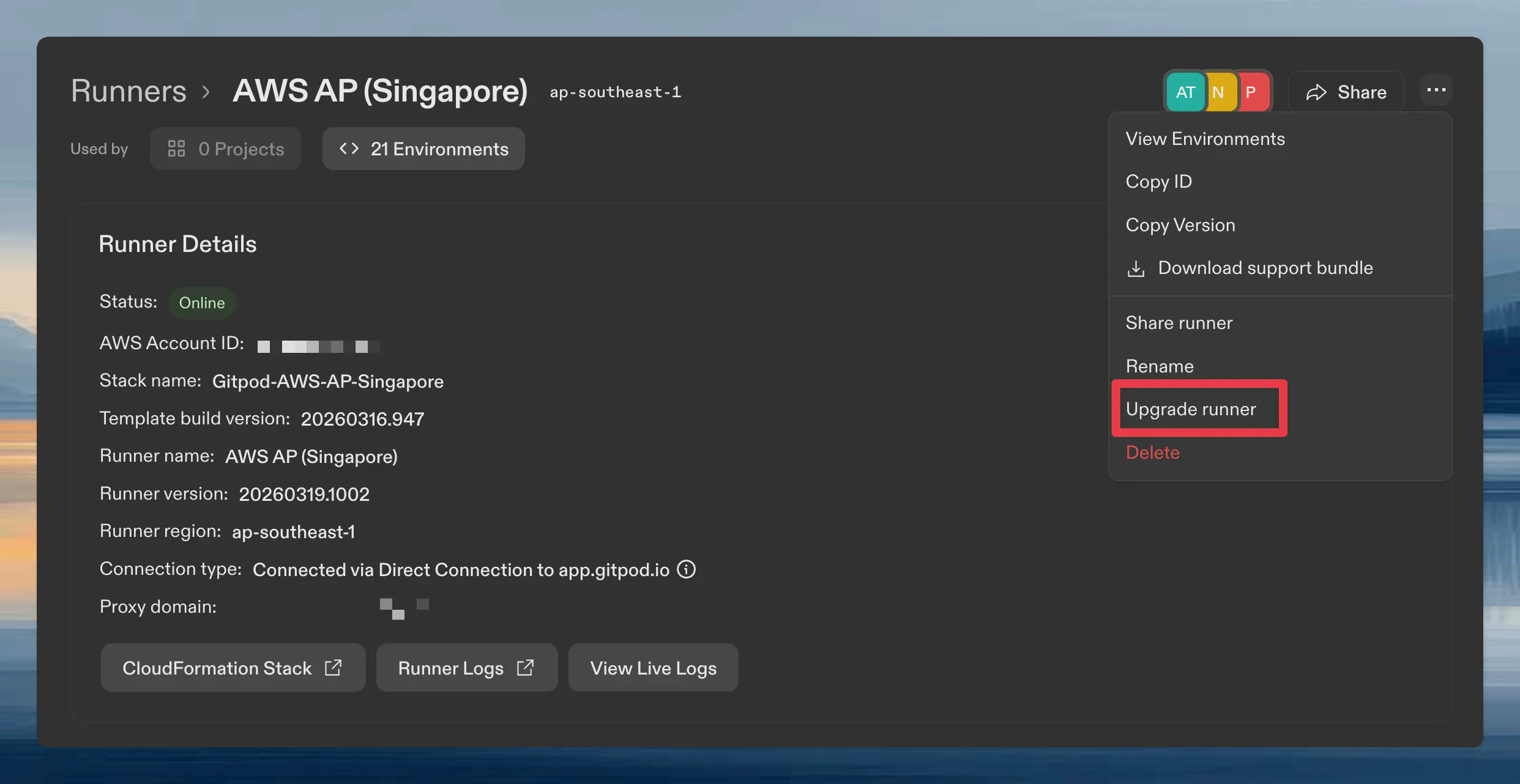
Open the runner menu (three-dot icon) and click Upgrade runner
-
Follow the instructions in the upgrade dialog. It provides the template URL for your runner
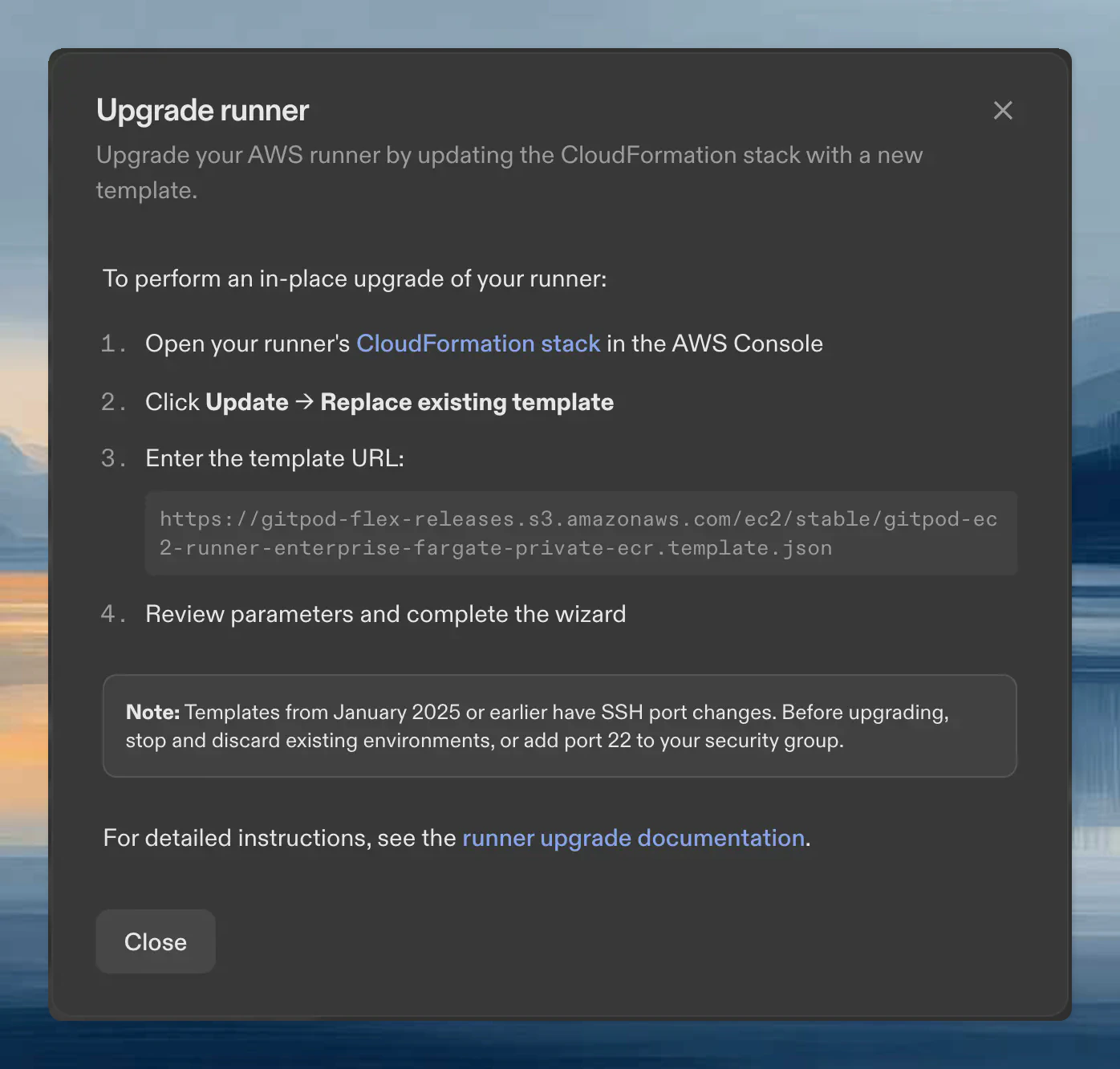
- Open your runner’s CloudFormation stack in the AWS console
-
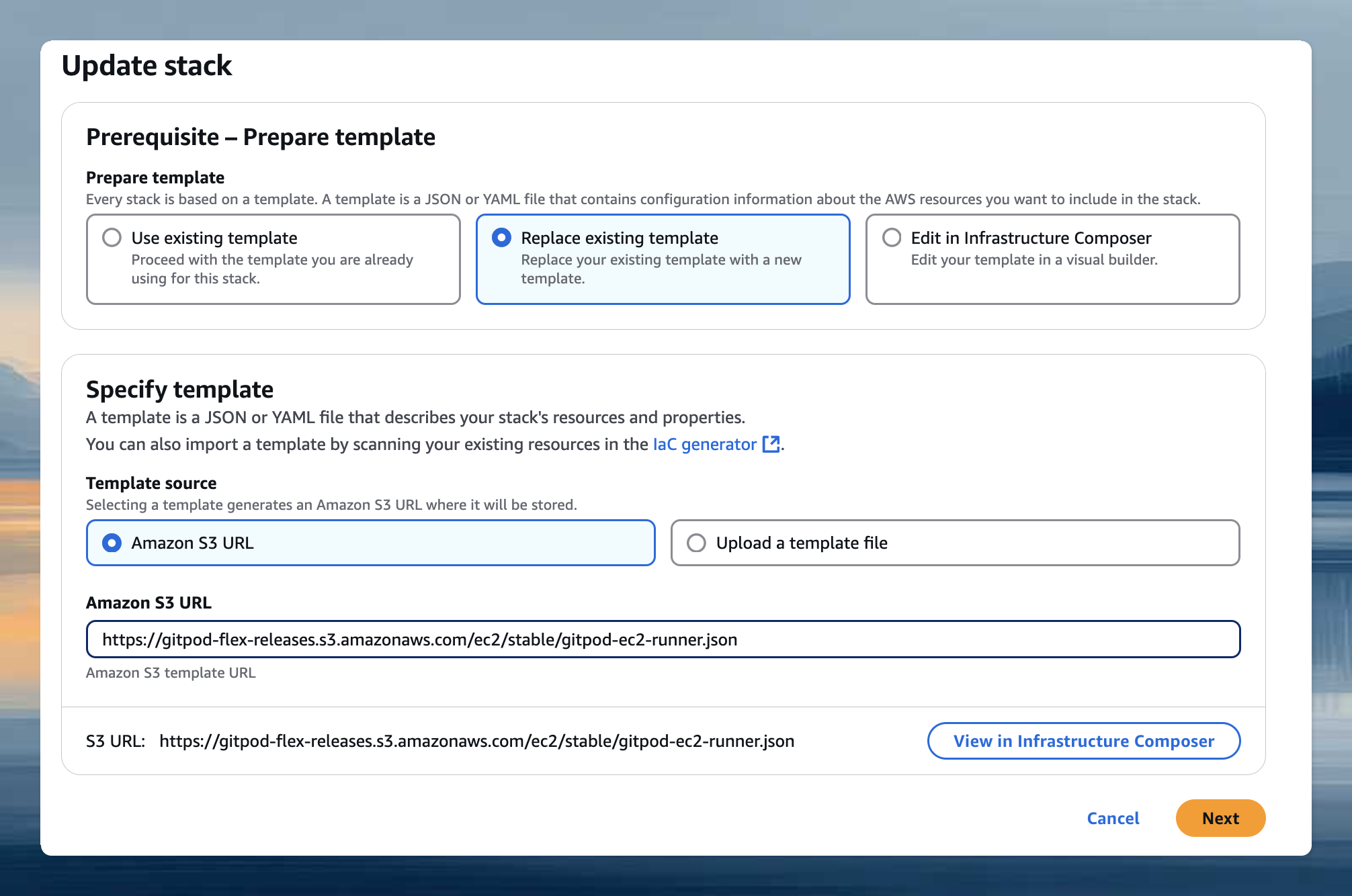
Click Update → Replace existing template and enter the template URL from the dialog
- Review parameters and complete the wizard
If your runner uses an Internet Gateway directly (without NAT or private network connectivity such as VPC endpoints), set the Assign Public IP parameter under Network Configuration to 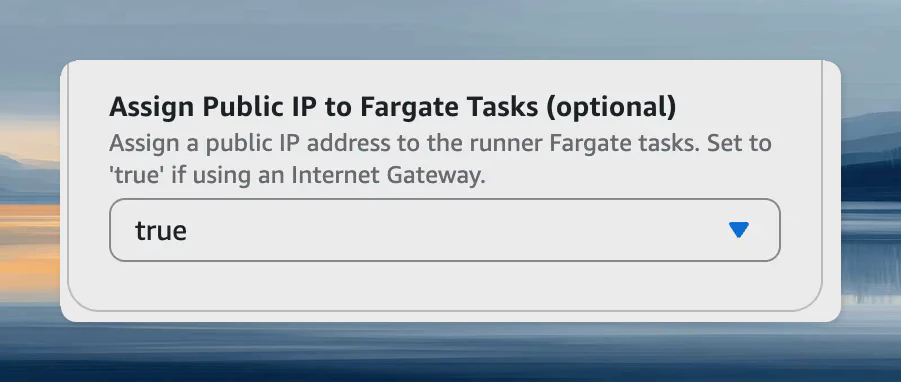
true.Templates from January 2025 or earlier have SSH port changes. Before upgrading, stop and discard existing environments, or add port 22 to your security group.
Update parameters
To change VPC, subnets, or other settings without updating the template:- Open your runner’s CloudFormation stack
-
Click Update → Use existing template
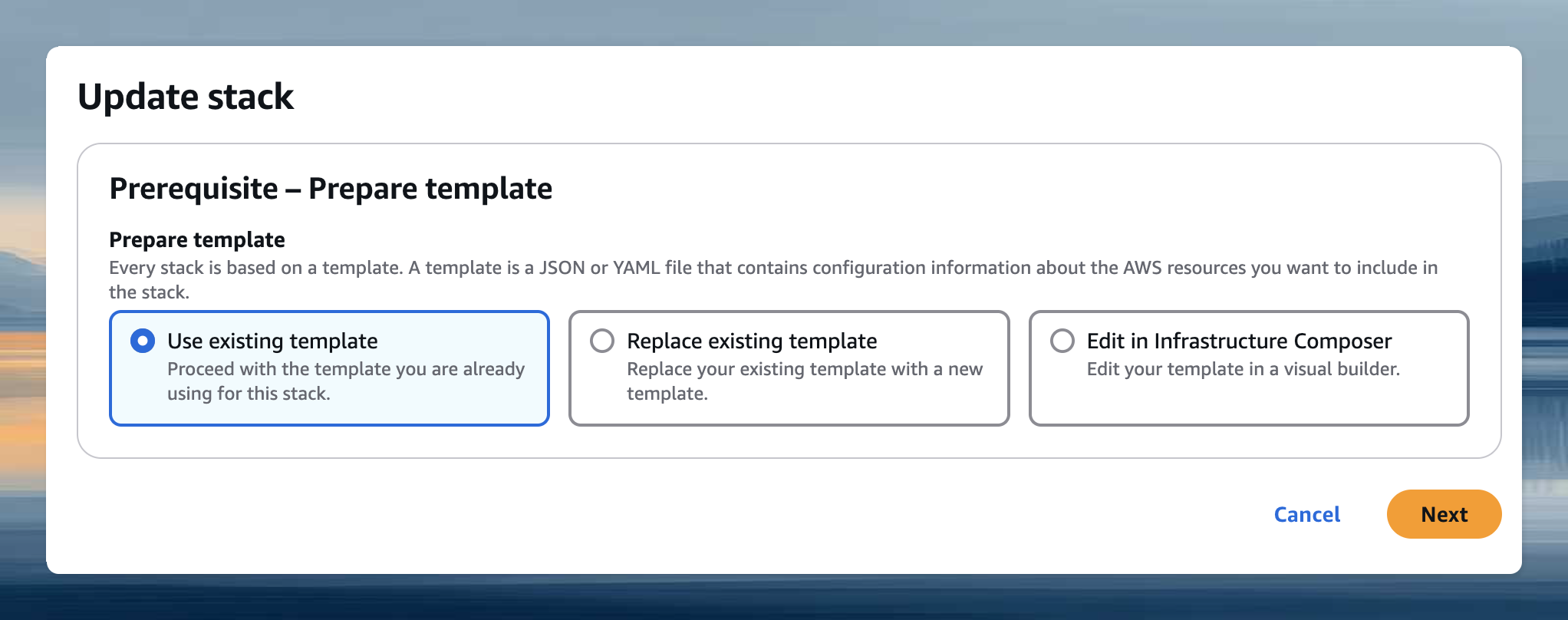
- Adjust parameters and complete the wizard
Expanding availability zones
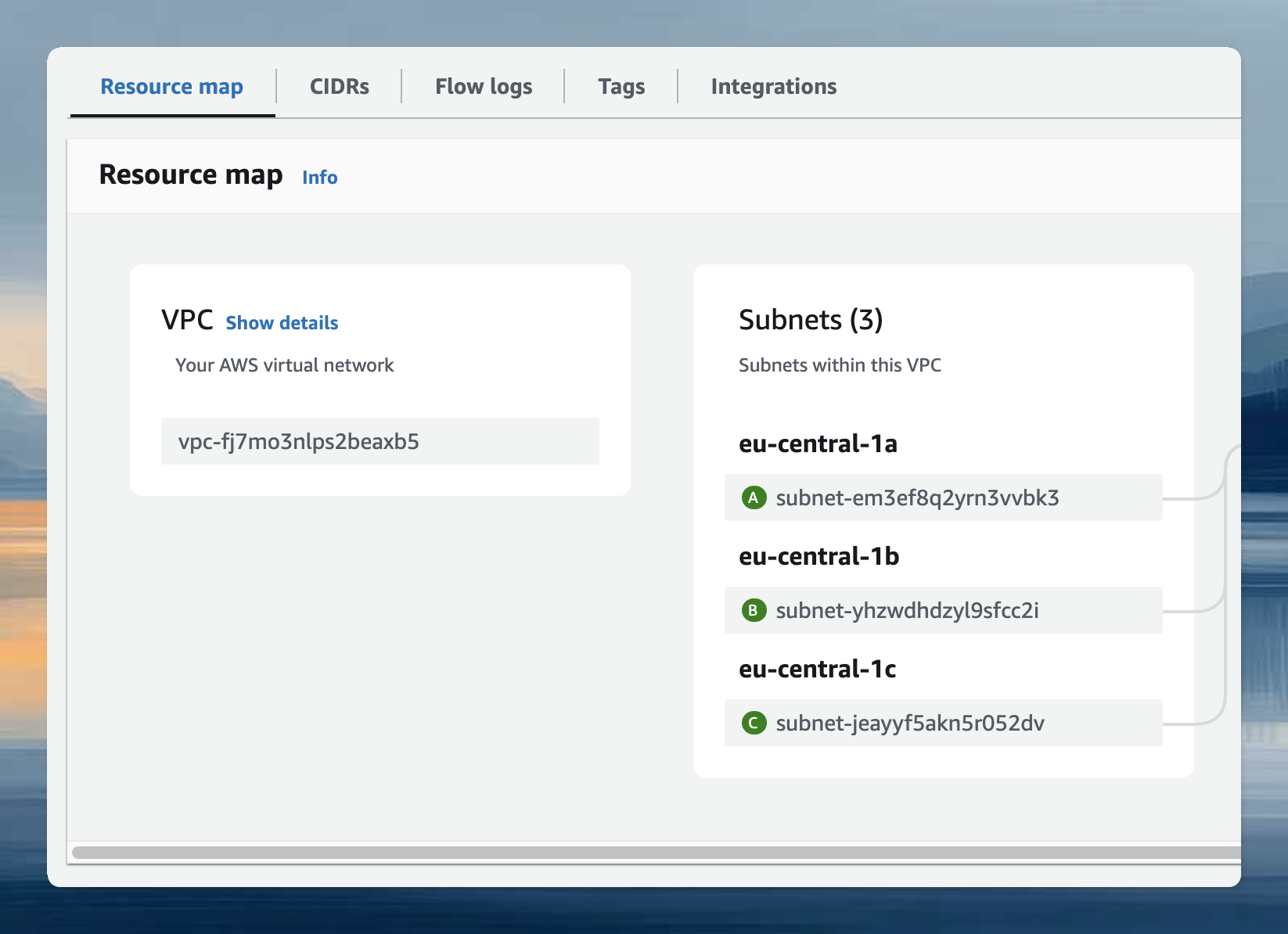
Availability is determined by your subnets, not the AZ parameter. Use the VPC Resource Map in AWS console to find subnets for your desired AZs.