

Configure repository access so environments on the runner can clone repositories from GitHub, GitLab, Bitbucket, or Azure DevOps. Do this during runner setup if users need to open repositories on that runner. Skip this only if the runner will be used for empty environments with no repository clone step.Documentation Index
Fetch the complete documentation index at: https://ona.com/docs/llms.txt
Use this file to discover all available pages before exploring further.
Choose an authentication model
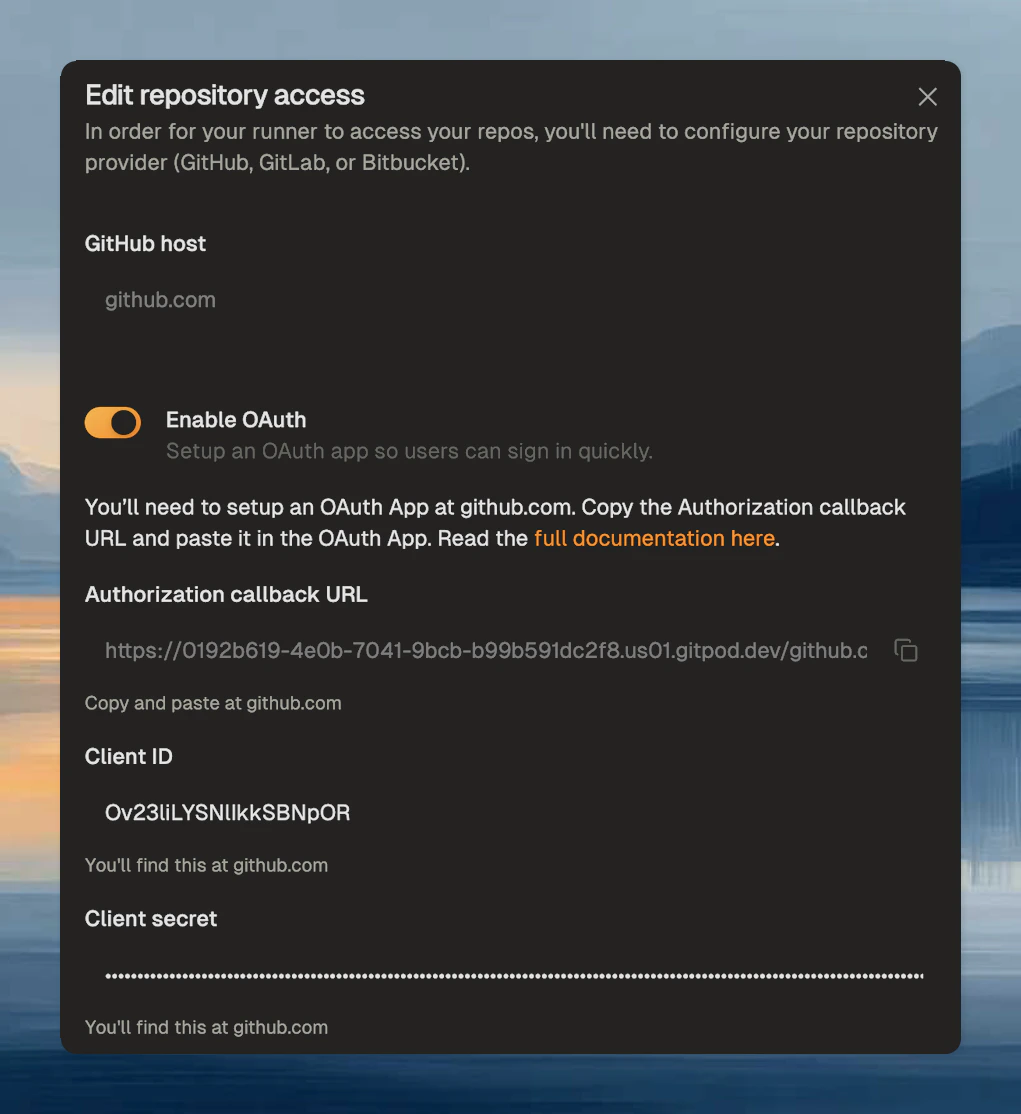
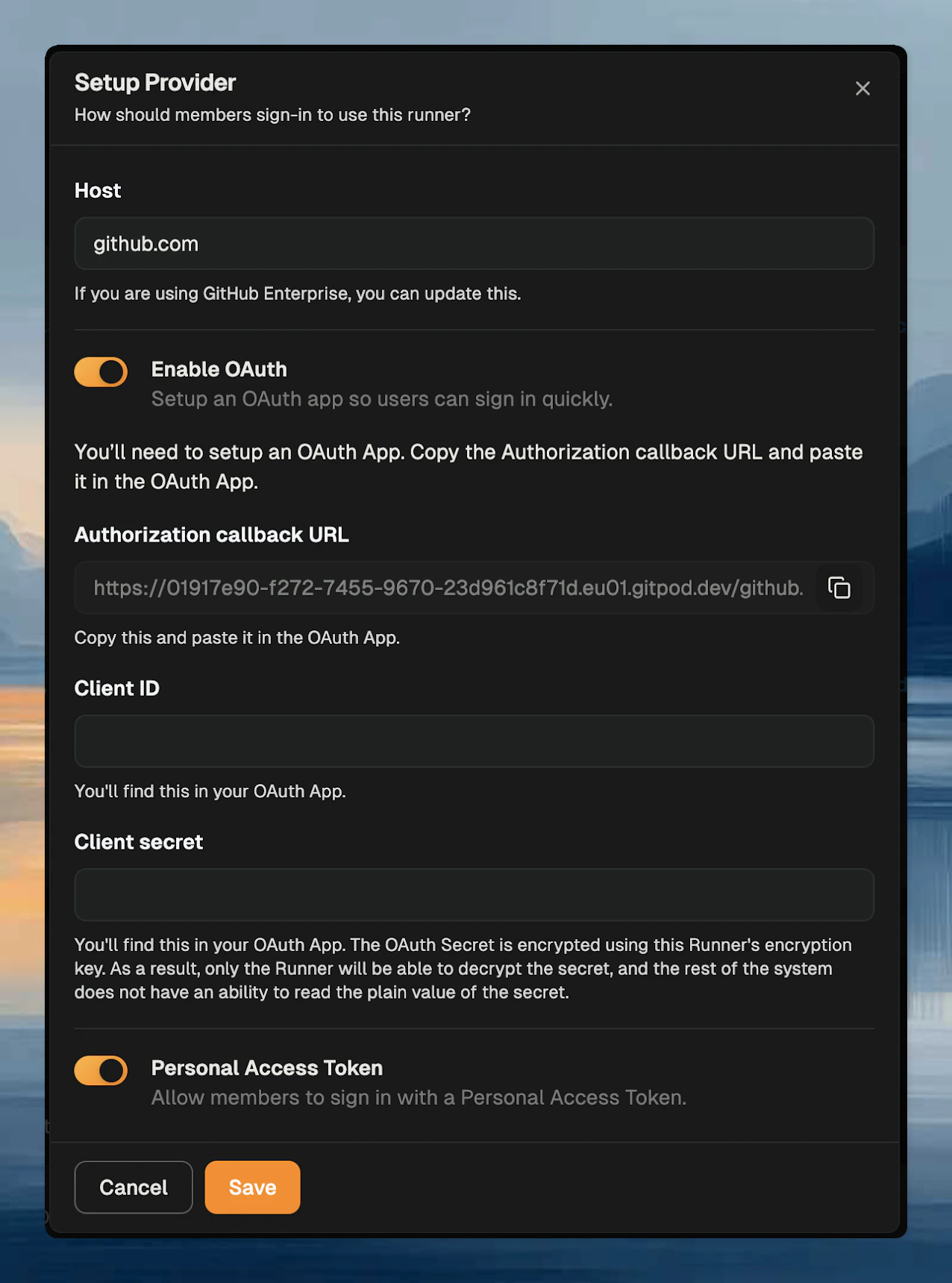
Each source control provider can expose one or more authentication methods:- OAuth - users sign in through the source control provider
- Personal access token - users provide their own token
- use OAuth when you want a smoother user sign-in flow
- use PATs when your provider setup or internal policy favors user-managed tokens
- enable both if you want flexibility during rollout
Add a provider
In the runner settings, click Add a provider and select the source control provider.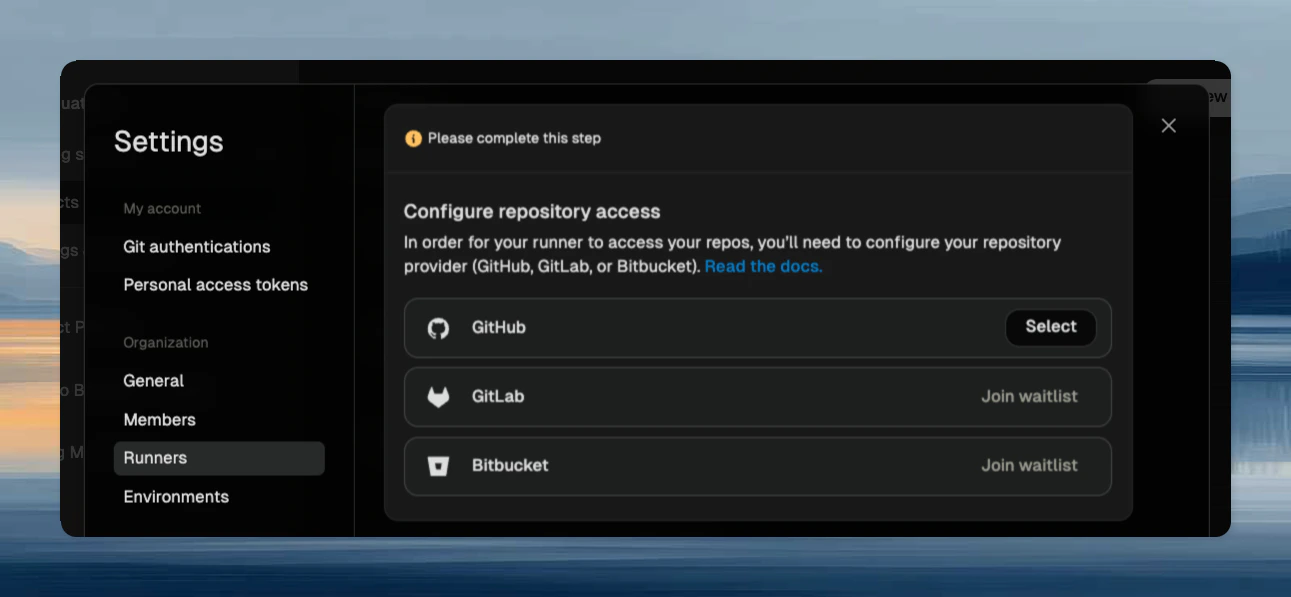
github.com, or enter your self-hosted source control hostname.
If you need to support multiple hosts, add one provider entry per host.
Validate the setup
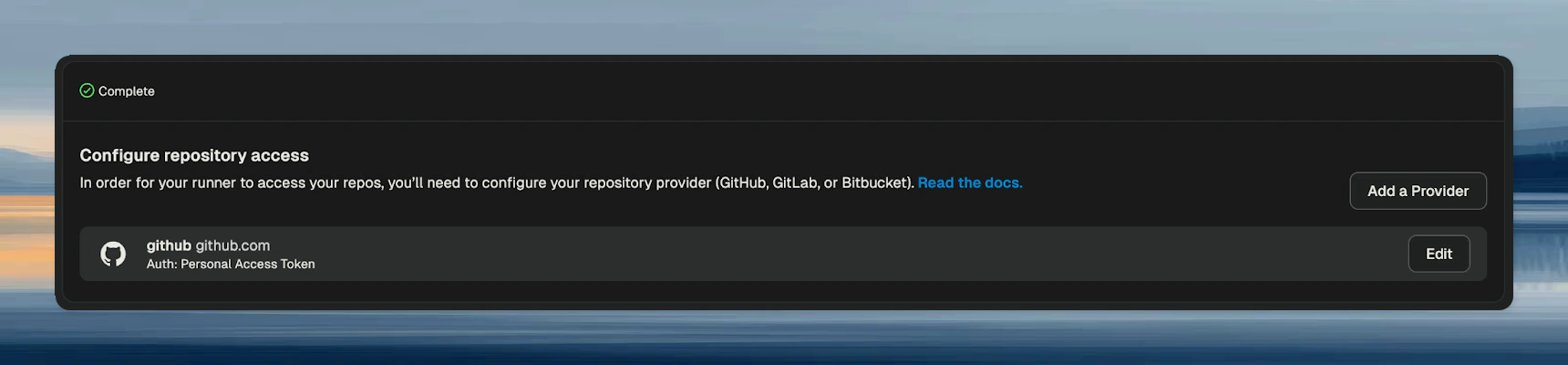
After saving:- open a repository on that host
- start an environment on the runner
- complete the user authentication flow if prompted
How authentication behaves
Users authenticate per source control host. Ona stores the resulting credentials in encrypted form so users do not need to repeat the same sign-in flow every time they start an environment. If an admin disables an authentication method or deletes a provider integration, affected stored credentials are removed and users must authenticate again.Related pages
Troubleshooting
Repository clone fails immediately
Repository clone fails immediately
- confirm the provider host matches the actual repository host
- confirm the user completed authentication for that host
- confirm the repository exists on a supported provider for the configured runner
Users are repeatedly prompted to sign in
Users are repeatedly prompted to sign in
- confirm the provider configuration was saved successfully
- confirm the authentication method they used is still enabled
- if the integration changed, expect users to authenticate again
Public repositories still fail
Public repositories still fail
This page still matters for public repositories, because the runner needs a configured provider to know how to access that host.