

Prerequisites
- At least one runner in your organization
- By default, all organization members can create projects
- On the Enterprise tier, admins can restrict project creation to admins only via Settings → Policies → Project policies → “Only admins can create projects”
Create a project
When you create a project, you become its admin. You can manage settings and share the project with other users and groups.- Go to your organization dashboard and navigate to the Projects page
- Click New Project
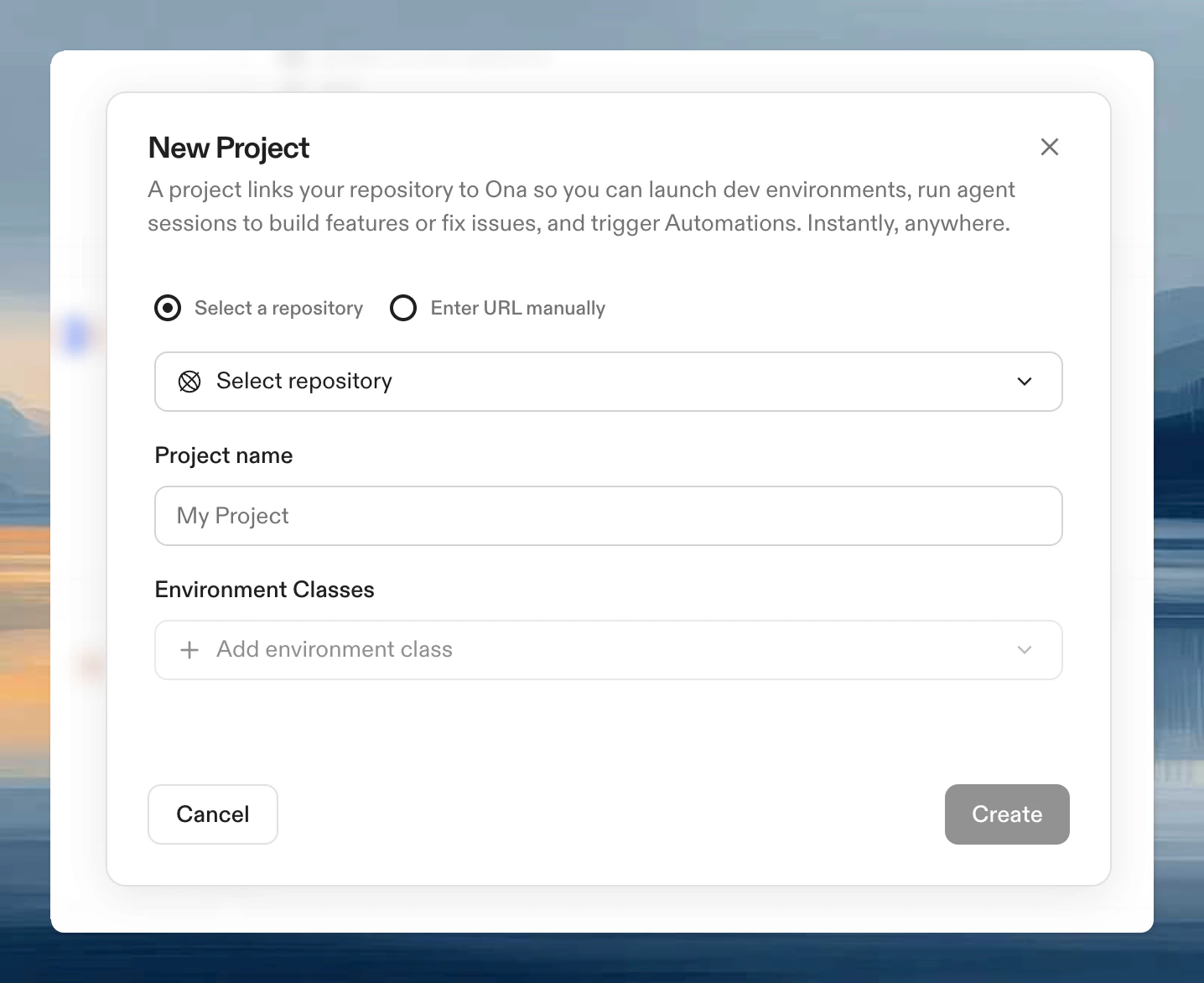
- Search for or browse to your repository
- Enter a project name
- Select at least one environment class
Configuration options
Environment classes
An environment class is a named compute configuration provided by a runner. Each class defines the CPU, memory, storage, and region used to run an environment, and is the unit of resource selection inside Ona. When someone starts an environment for a project, they pick from the project’s allowed classes. Each runner publishes its own set of classes (typicallySmall, Regular, Large, and sometimes specialized variants like GPU-enabled classes). The classes you select on a project determine which of those configurations are available to users creating environments for that project.
Dev Container configuration
Controls the development environment setup: base image, VS Code extensions, environment variables, and port forwarding rules. See Dev Container configuration for details.Tasks and services
Define automations beyond Dev Container setup:- Services: long-running processes (databases, servers)
- Tasks: one-off actions (test runs, builds)
Recommended editors
Set which editors and versions appear as suggestions when team members open an environment. See Recommended editors for the full list of editor aliases and version configuration.Manage projects
Select a project from your organization dashboard to open its detail page. The detail page has tabs for Settings, Secrets, and Prebuilds. From Settings you can modify environment classes, Dev Container and tasks/services paths, recommended editors, and project secrets.Limitations
Multi-repo configurations are not built-in. See Working with multiple repositories for a workaround.Next steps
- Create an environment from your project
- Share the project with your team
- Add project secrets