

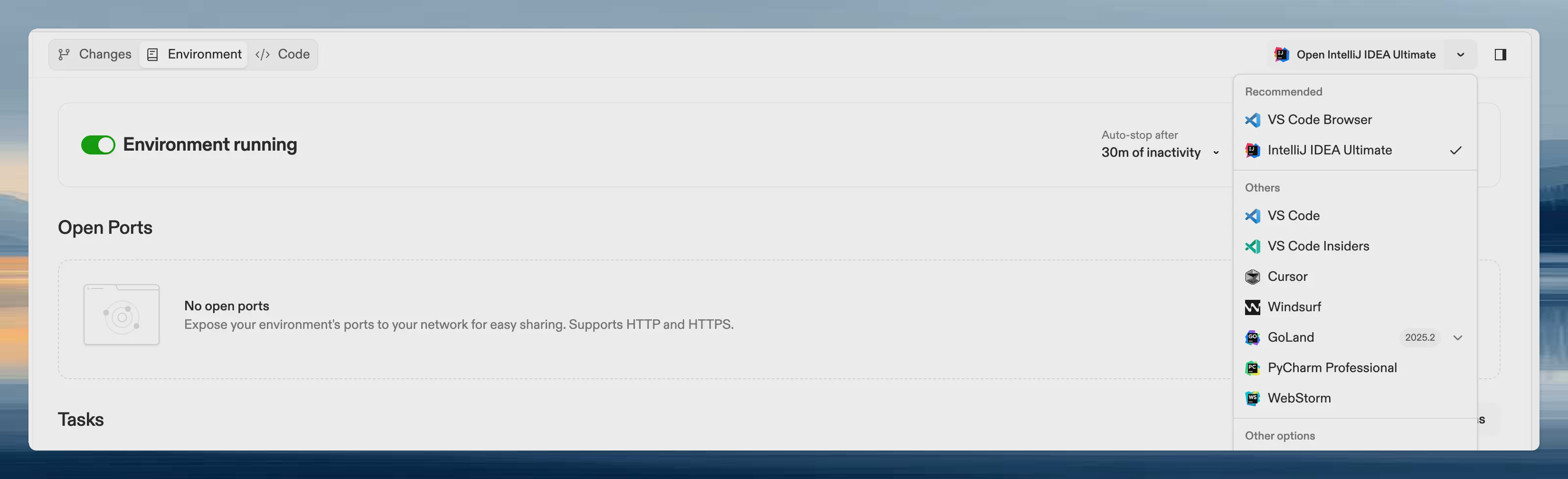
Why configure recommended editors
- Guide users: Help team members pick the right editor for your project’s language and tooling
- JetBrains warmup: Warm up the JetBrains editors you recommend during prebuilds
- Consistency: Keep team members on editors that work well with your project’s configuration
Configure recommended editors
- Navigate to your project settings
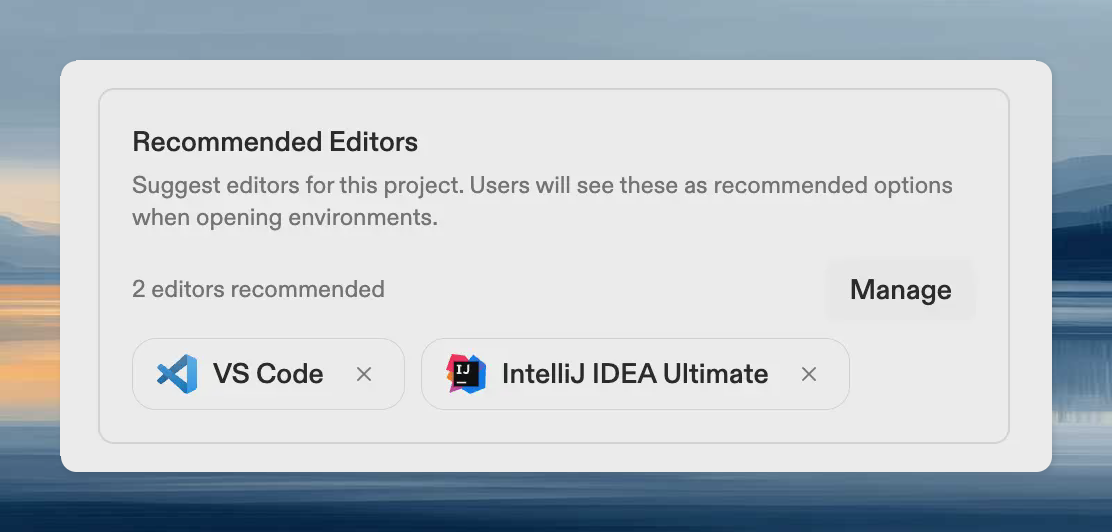
- Find the Recommended Editors section
- Select the editors you want to recommend
JetBrains warmup integration
When JetBrains warmup is enabled, recommended JetBrains editors are warmed up during prebuilds:- The JetBrains backend is pre-installed for each recommended editor
- Project indexes are built for each editor
- Users skip the download and indexing steps when opening the editor
- Add the JetBrains editors your team uses to recommended editors
- Enable JetBrains warmup in your prebuild configuration
Best practices
- Match your stack: Recommend editors with strong support for your project’s languages and frameworks
- Consider team preferences: If your team already uses specific editors, recommend those
- Enable warmup for JetBrains: If you recommend JetBrains editors, enable JetBrains warmup to reduce startup time