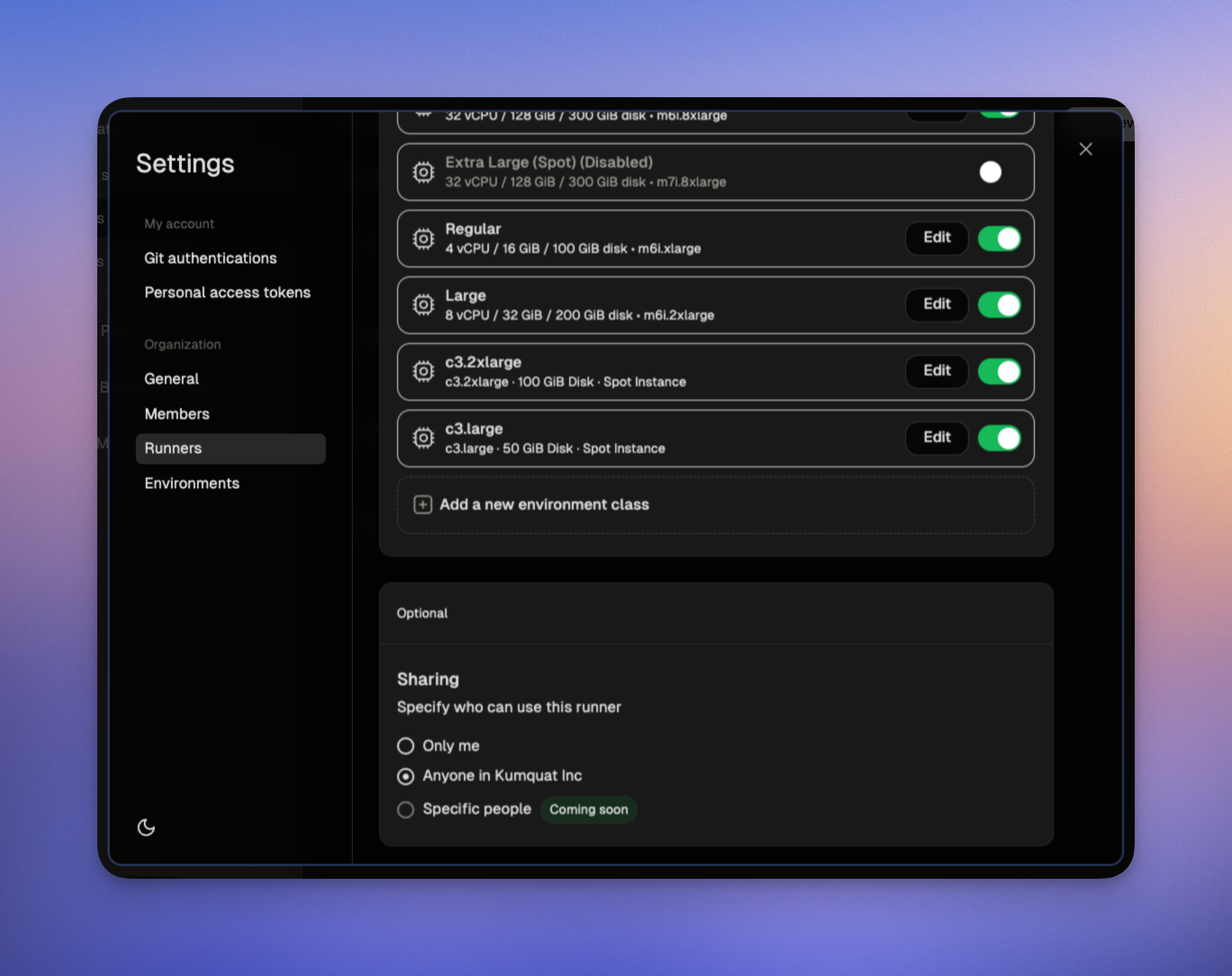
By default, runners are only accessible to the creator and organization admins. Runner admins can share runners with individual users and groups. To grant access to other members:
  1. Go to Settings → Runners
  2. Click Share runner
  3. Add users or groups and assign roles
See Sharing resources for details on roles and permissions. Sharing a runner